Brands we offer
Best-of-breed products from our authorized partner ecosystem.
Common use cases
Microsoft Teams Room
Transform your meeting rooms into spaces for collaboration.
Your meeting should not start off with somebody trying to find the correct cable or having difficulty figuring out how to operate the conferencing system or connecting the laptop to the room display.
Microsoft Teams Rooms transforms the meeting experience into the room itself and makes it easier for users to enter the meeting, exchange ideas and collaborate with other participants remotely.
Sysnet supports companies operating in Dubai when developing and implementing Teams Rooms depending on the room layout, meeting culture and collaboration needs.
Room Becomes Part of the Meeting
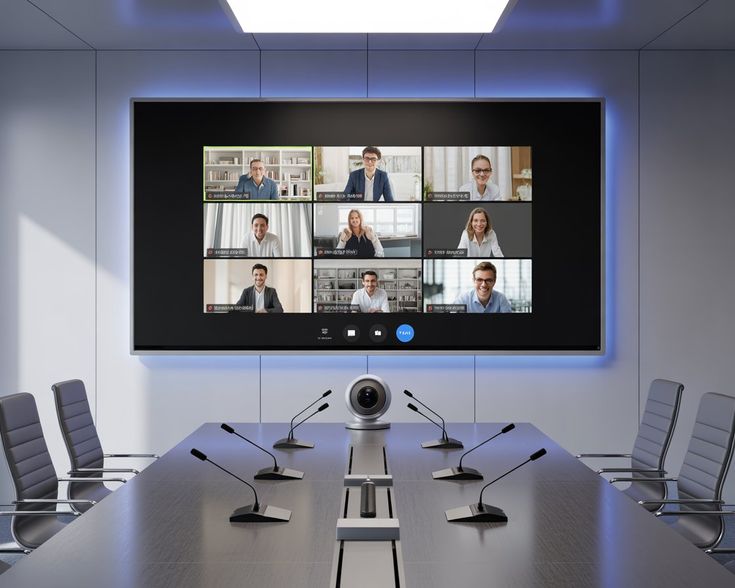
Unlike any video call, Teams Rooms integrates the room's screen, camera, microphone, speaker and control elements into a single meeting experience.
- One Touch Meeting AccessMake the entry to a scheduled Teams meeting convenient by allowing to join it straight from the room.
- In-room CollaborationAllow to exchange presentations and other material without complicating the lives of your employees.
- Improved Remote ParticipationHelp the remote participants become more visible and auditable for them to feel more comfortable in the discussion.
- Simple Room ControlsProvide a consistent interface for starting, joining and managing meetings.
Room for every kind of Discussion
Not all discussions require an identical space.
- Huddle RoomsSmall-sized Rooms for quick meetings and projects' teams.
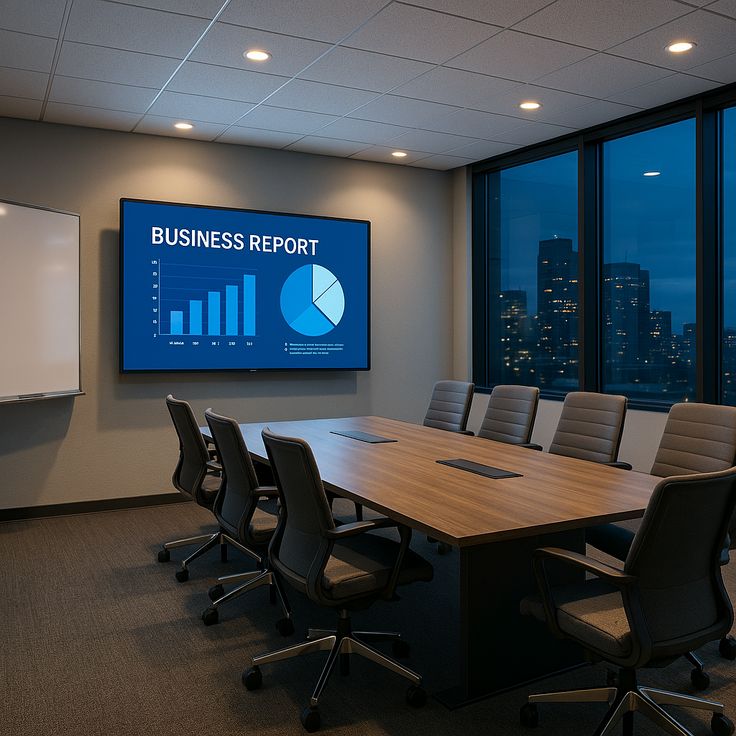
- Meeting RoomsVersatile rooms for daily team meetings, presentations and client talks.
- Board RoomsProfessional rooms for executive meetings, important presentations and remote participants.
- Teams Room Training & Collaboration SpacesRooms built for presentations, workshops and teamwork.
Designing Around the Room – Not Just the Technology
To successfully deploy a Teams Room, we need to understand the physical space first.
Dimensions, seating arrangement, screens, acoustics, camera coverage and users’ needs affect the end-result greatly.
Sysnet can assist with:
- Rooms assessment
- Teams Rooms design
- Hardware procurement
- Teams Rooms installation and configuration
- Teams Rooms integration
- Rooms testing
- Rooms handover
- Support services
Hybrid Collaboration Space
Organizations in Dubai usually get employees from different offices, home locations and other locations.
Correctly designed Teams Rooms can ensure a consistent experience between the people in the room and those who are joining remotely.
It’s not only about establishing a video call. Remote participants need to become an integral part of the room.
Teams Rooms in Your Workplace
Sysnet delivers Teams Rooms environments with solutions such as Teams Rooms on Windows, Teams Rooms on Android, Logitech Tap, Crestron Flex, Poly G7500 and Neat Frame.
It depends on the room sizes, layout, number of participants and the usage of Microsoft Teams by the teams.
From One Room to Many
When implementing Teams Rooms in multiple offices, it’s essential to ensure the consistency.
Sysnet can help to build a room design and deployment model, which will facilitate the expansion of meeting rooms capabilities consistently.
Easier Meetings in Dubai
If you need to create a Teams Room for the first time, upgrade existing meeting rooms or implement many Teams Rooms simultaneously, Sysnet assists organizations in Dubai to transform any meeting room into an easily connected and collaboration-friendly space.
Create a better place for each meeting – either in person or remote.

.7142ca89.jpg)